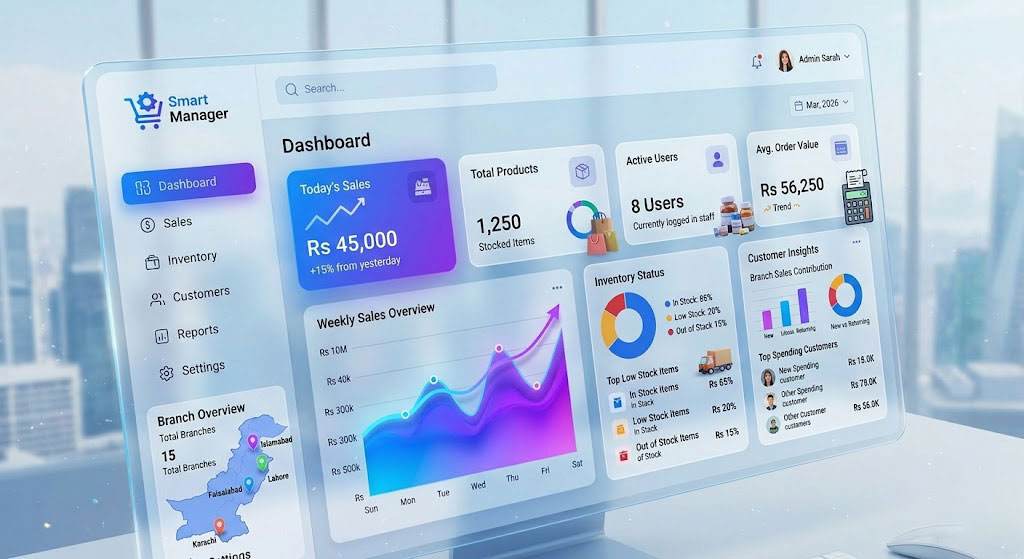
Introduction: The Inventory Challenge in Pakistan
For Pakistani businesses—whether a kiryana store in Karachi, a pharmacy in Lahore, or a garment wholesaler in Faisalabad—inventory is often the largest investment and the biggest source of headache. Poor inventory management leads to:
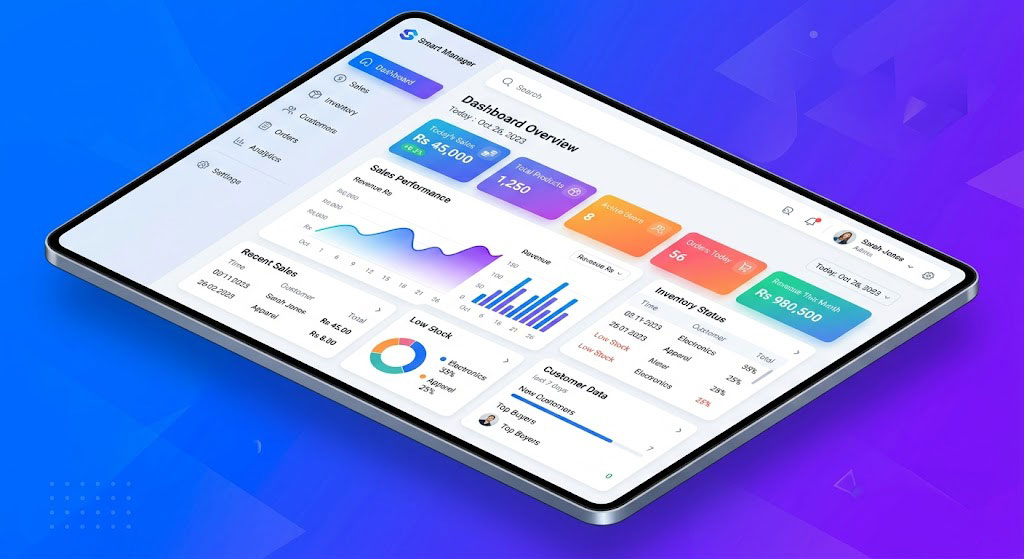
- Cash Flow Blockage: Money stuck in dead stock that won't sell.
- Lost Sales: Running out of best-selling items during peak seasons (like Eid or Ramzan).
- Wastage: Expired products, especially in pharmacy and food business.
- Theft & Shrinkage: Unaccounted losses due to pilferage.
In this guide, we share 10 practical inventory management tips that have helped 10,000+ Pakistani businesses take control of their stock. Let's dive in.
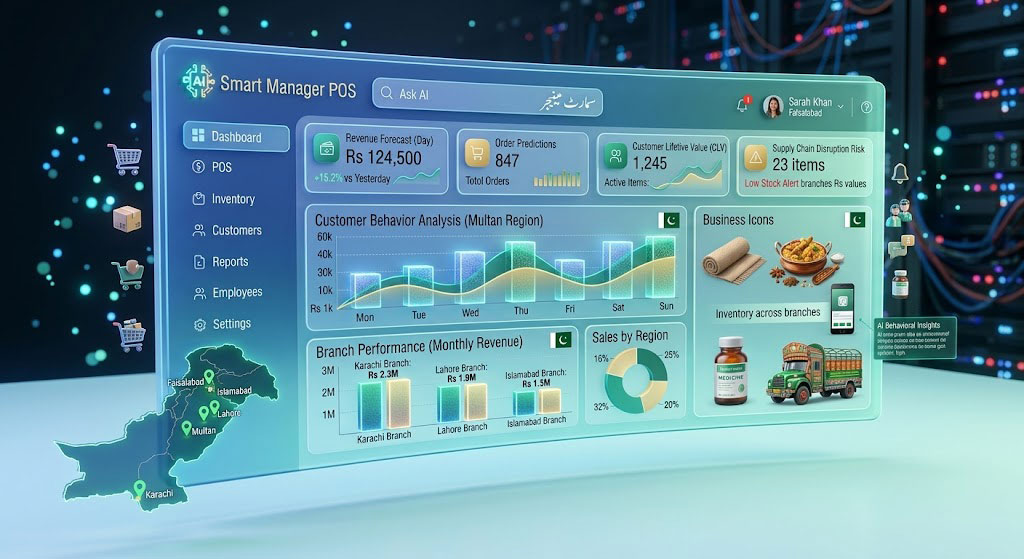
📦 Tip #1: Implement the FIFO Method (Especially for Pharmacy & Grocery)
FIFO (First-In, First-Out) means selling older stock first. This is critical for items with expiry dates. Always arrange your shelves so that products with the nearest expiry date are at the front. A good POS system like Smart Manager automates FIFO by alerting you about near-expiry stock and prioritizing them in sales.
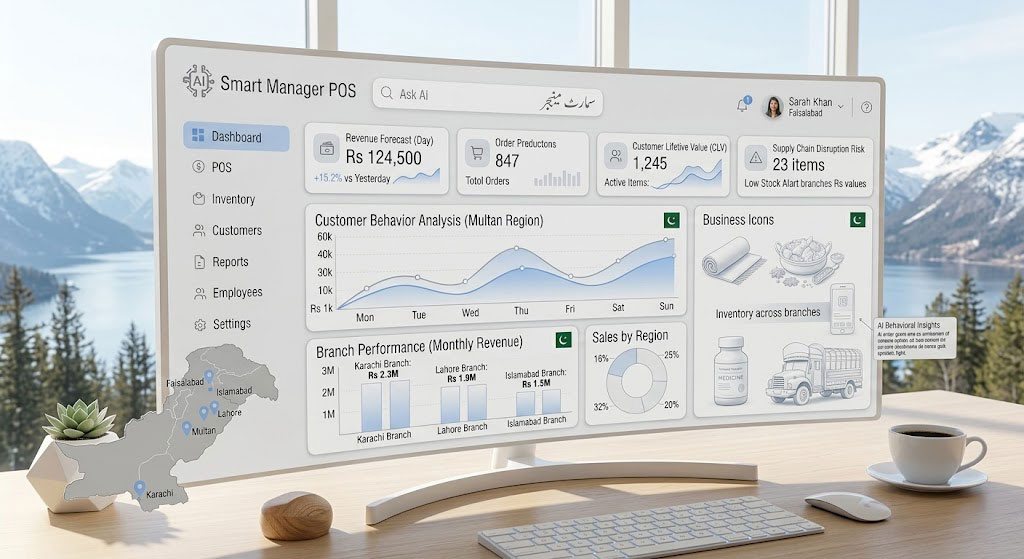
📊 Tip #2: Categorize Stock with ABC Analysis
Not all inventory is equal. Use the ABC analysis:
- A-Items (High Value, Low Quantity): Like mobile phones, expensive electronics. Monitor these daily.
- B-Items (Moderate Value, Moderate Quantity): Like branded clothes. Monitor weekly.
- C-Items (Low Value, High Quantity): Like grocery staples (rice, sugar). Monitor monthly.
Focus your time and security on A-items to maximize profit protection.
📉 Tip #3: Set Reorder Levels & Safety Stock
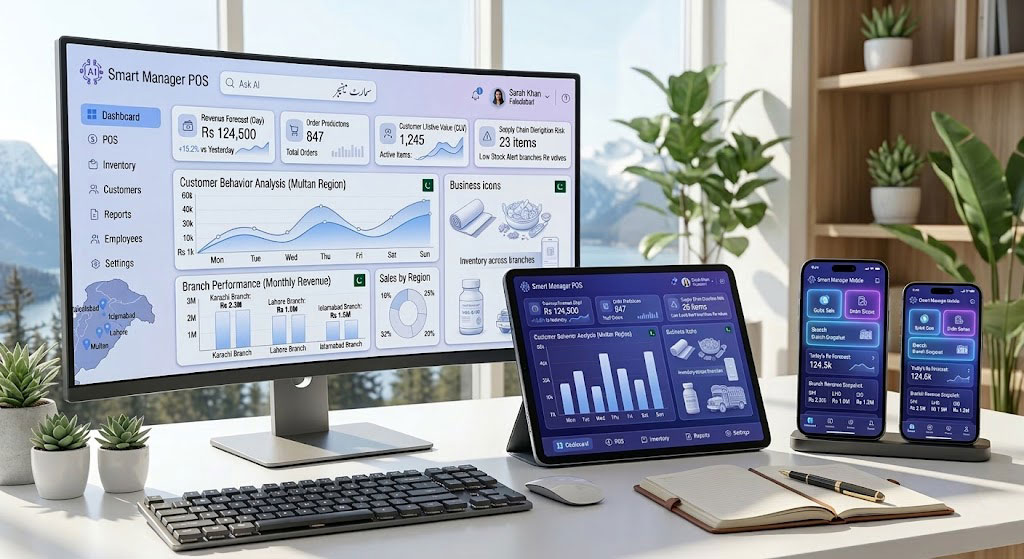
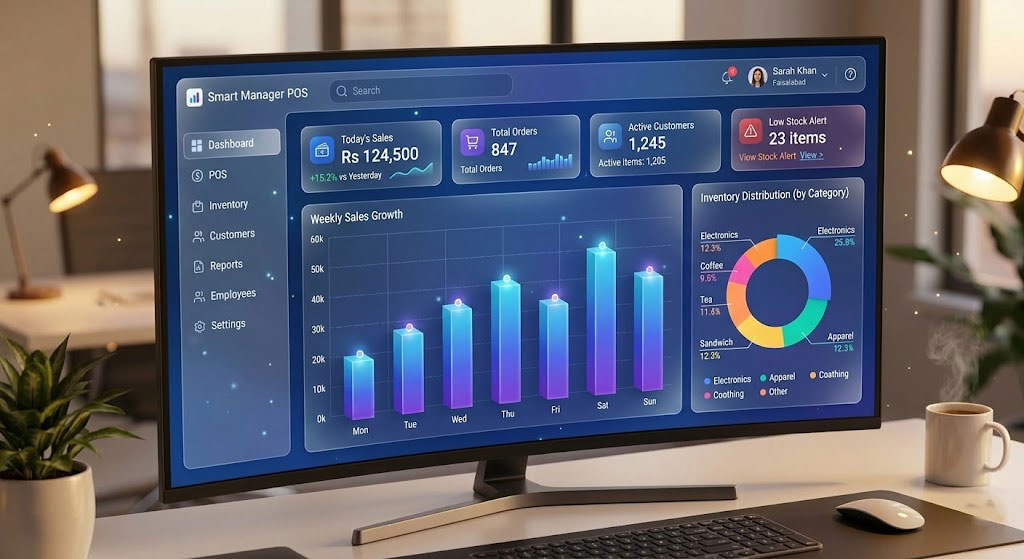
Don't wait for stock to run out to reorder. Calculate a reorder point: (Average Daily Sales × Lead Time in Days) + Safety Stock. For example, if you sell 10 packets of a brand of tea daily, and your supplier takes 5 days to deliver, your reorder point is 50 units. When stock hits 55, it's time to order. Smart Manager's inventory module can automatically track these levels and send you low-stock alerts.

🔍 Tip #4: Conduct Cycle Counts, Not Just Year-End Stocktakes
A yearly stocktake is too late to catch problems. Do cycle counting: count a small portion of your inventory every week. For instance, count A-items weekly, B-items monthly, and C-items quarterly. This keeps your records accurate without shutting down the business for a day.
📱 Tip #5: Use a Cloud-Based System for Real-Time Tracking
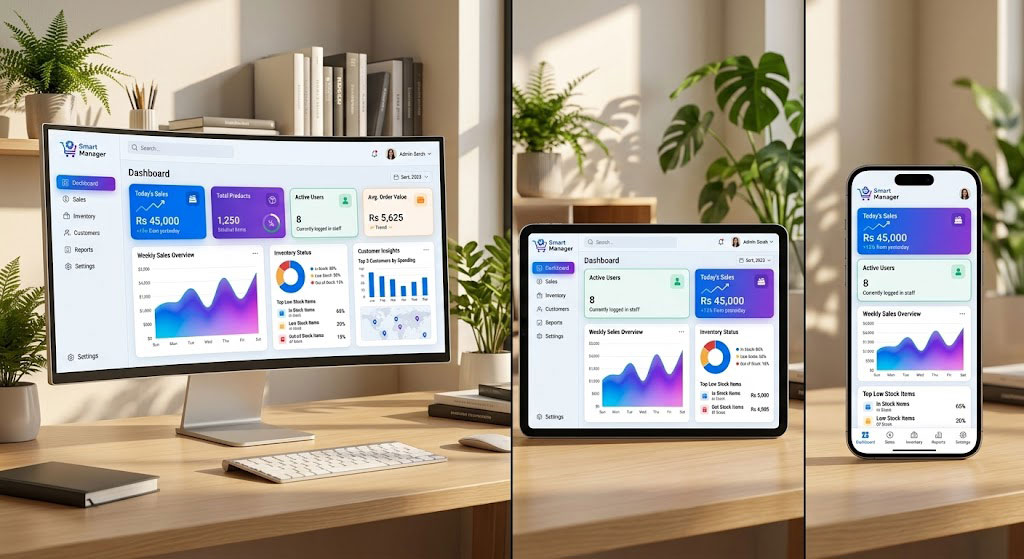
If you have multiple branches or even one shop, a cloud-based inventory system is a game-changer. You can check stock levels from your phone while at the supplier, or from home. It also ensures that if your shop computer crashes, your data is safe. Smart Manager's cloud POS gives you real-time visibility across all your locations.
📈 Tip #6: Analyze Your "Slow Movers" and "Dead Stock"
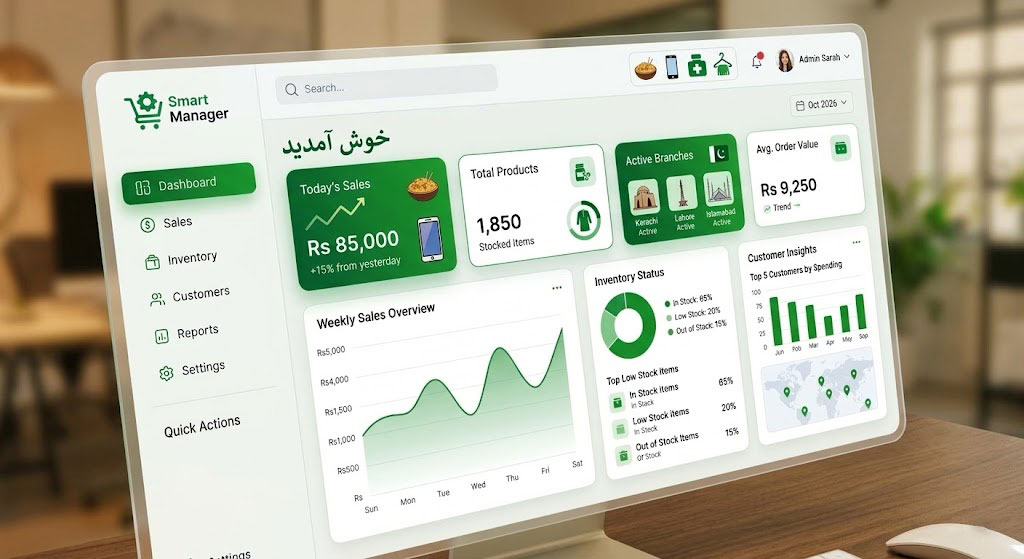
Every business has products that just don't sell. Run a report to identify items that haven't sold in 3-6 months. Take action: offer a discount, bundle them with fast-moving items, or return them to the supplier if possible. Clearing dead stock frees up cash for better-selling products.

📝 Tip #7: Standardize Receiving Procedures
When new stock arrives from your supplier, don't just check the quantity. Check for damage, verify expiry dates, and ensure the purchase price matches your order. Enter the stock into your system immediately. A formal "Goods Received Note" (GRN) process prevents discrepancies. Smart Manager's purchase order system lets you convert POs directly into GRNs, reducing errors.
🚫 Tip #8: Control Theft with Security Measures
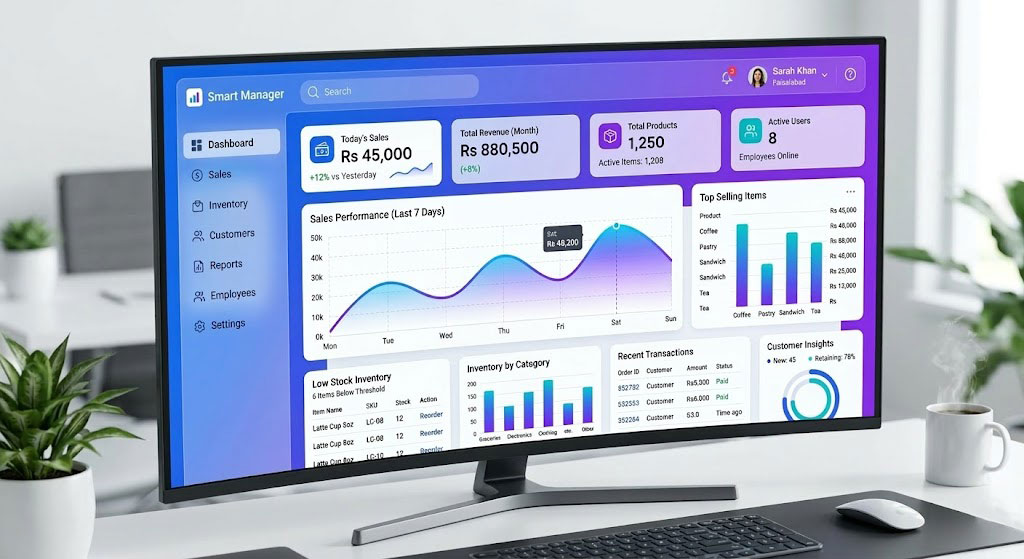
Unfortunately, theft is a reality. Besides CCTV, use inventory software to track shrinkage. Compare your theoretical stock (what you should have based on sales) with your physical stock. If there's a consistent discrepancy in a certain category or during a specific staff's shift, investigate. Barcode scanning at the point of sale also ensures that every item sold is recorded, reducing "under-the-counter" sales.
🤝 Tip #9: Build Strong Relationships with Multiple Suppliers
Don't rely on a single supplier. If they run out of stock or have a delivery issue, your business suffers. Have at least one backup supplier, especially for your A-items. Good relationships can also lead to better credit terms, which improves your cash flow.

📅 Tip #10: Forecast Demand for Seasonal Peaks (Eid, Ramzan, Back-to-School)
Pakistan has clear peak shopping seasons. Analyze sales data from the previous year for Ramzan, Eid-ul-Fitr, Eid-ul-Azha, and the back-to-school season. Order stock 4-6 weeks in advance. Smart Manager's sales reports can show you exactly what sold last year, helping you forecast accurately and avoid stockouts during the busiest time of the year.
How Smart Manager POS Simplifies Inventory Management
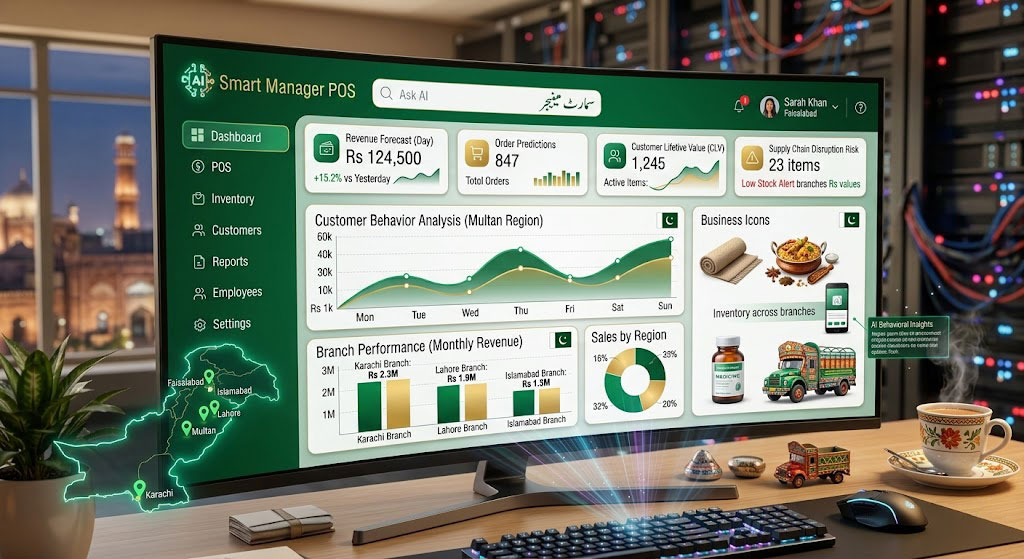
Implementing these tips manually is possible, but it's much easier with the right software. Smart Manager POS is designed for Pakistani businesses and includes:
- Real-time stock updates across all branches.
- Low stock and expiry alerts via email and SMS.
- Comprehensive reports: stock valuation, profit margins, slow movers, and sales by item.
- Batch and expiry tracking for pharmacies.
- Multi-branch inventory transfer with a single click.
With these features, you can reduce waste by up to 30% and never lose a sale due to stockouts.
Stop Losing Money on Bad Inventory
Start your 7-day free trial and see how Smart Manager can transform your stock management.
Start Free TrialNo credit card required. Urdu support available.